
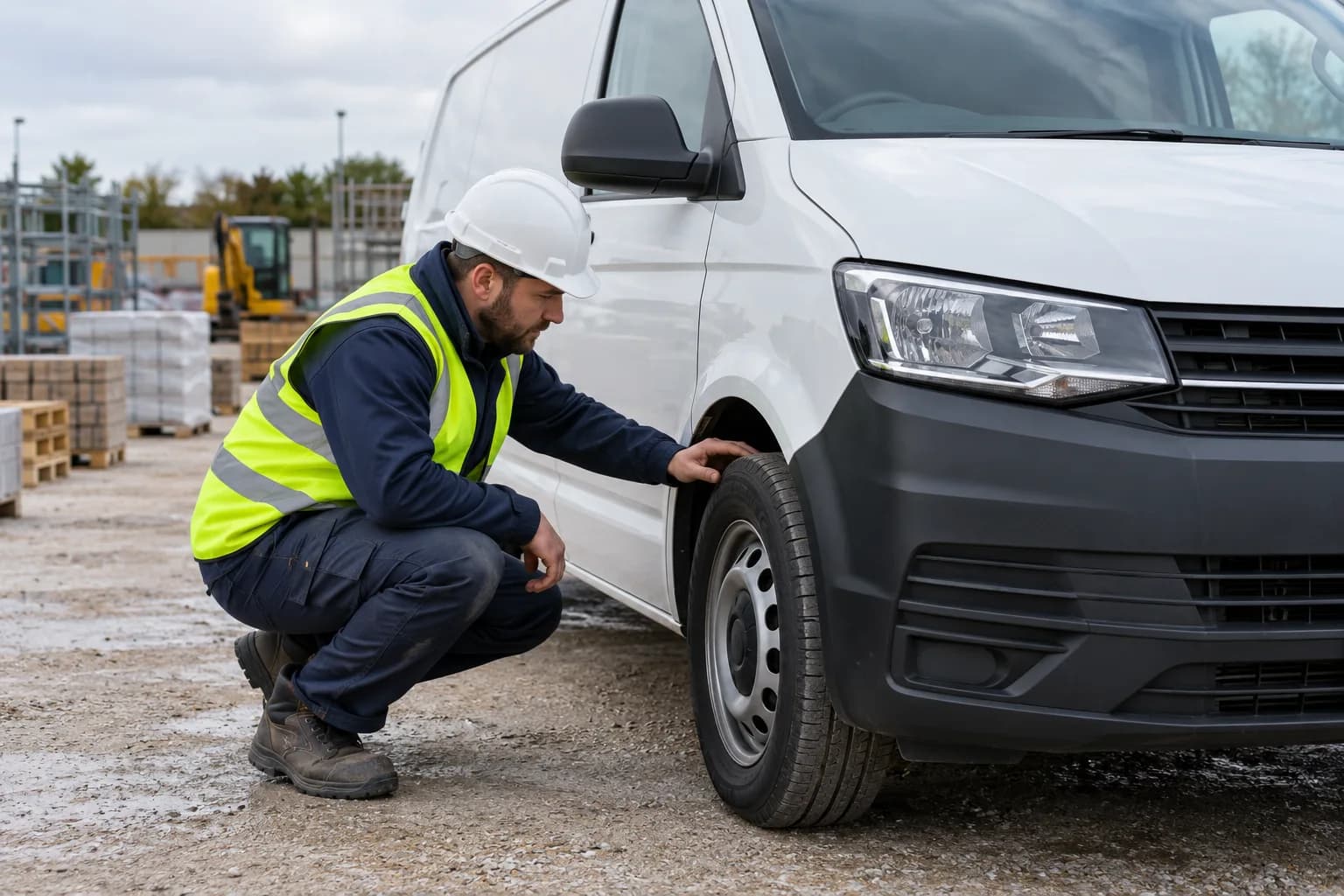
Van walkaround checks: from finding to follow-up
Organise a van walkaround record, capture findings and defects, and connect the check to follow-up using DVSA guidance as the reference.
Read the guideGive field teams access to RAMS, inspections, compliance tasks, and site documentation from their phone, even when coverage is patchy.

How Mobile App connects the task, the people and the record.
Access RAMS, site documents and assigned compliance tasks from the field.
Complete inspections, take evidence photos and capture acknowledgements beside the work.
Sync completed work when connectivity returns so office and site teams work from shared records.
Workflow illustration for Mobile App. No customer records are shown.
Mobile inspections and compliance task completion
RAMS access and acknowledgement in the field
Photo evidence and signature capture on site
Offline mode with automatic sync when connected
Push notifications for approvals and overdue actions
Clear answers to help you choose the right setup for your team.
Mobile workflows cover inspections, RAMS access, acknowledgements, photo evidence and signature capture.
Offline workflows allow work to be captured and synchronised once connectivity returns.
Yes. Field activity uses shared people, site and asset records rather than a separate set of mobile records.
Organise a van walkaround record, capture findings and defects, and connect the check to follow-up using DVSA guidance as the reference.
Read the guide
Connect risk assessments and method statements to review, briefing and acknowledgement, with a practical document-control workflow.
Read the guideBring the people, the paperwork and the site record together in one toolbox.