
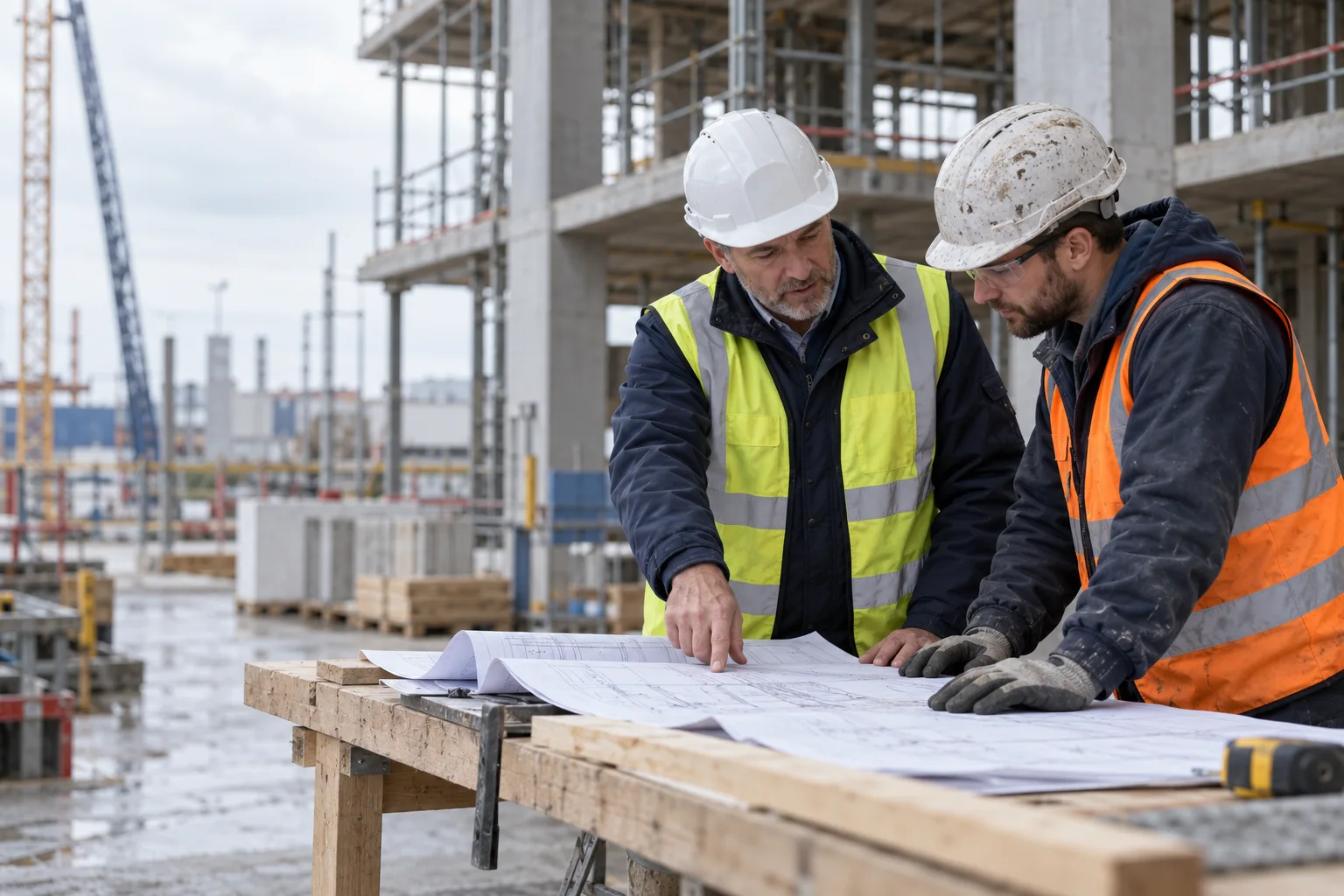
A practical guide to RAMS on site
Connect risk assessments and method statements to review, briefing and acknowledgement, with a practical document-control workflow.
Read the guideBring everyday construction forms into one management system. Keep submissions, supporting documents and review actions connected to the right site and team.
How Digital Forms connects the task, the people and the record.
Choose the information the task needs and prepare a reusable form. Connect it to the project or site so the next submission starts in the right place.
Complete the form with the relevant details, photographs and supporting files. Keep the context alongside the submission rather than in a separate inbox.
Give the submission a responsible reviewer. Record the outcome and keep any follow-up actions connected to the original form.
Workflow illustration for Digital Forms. No customer records are shown.
Reusable forms for recurring site and office tasks
Submissions linked to the relevant project and team
Supporting documents and photographs kept with the form
Review responsibilities and follow-up actions
A searchable history of completed forms and revisions
Clear answers to help you choose the right setup for your team.
Recurring site and office forms can sit alongside their submissions, evidence and review actions. Use the dedicated inspection, induction or permit workflow where the task needs that additional context.
Yes. Documents and photographs can be kept with the form so the reviewer can understand the submission without searching through separate messages.
Forms use project and team context, with related document, inspection and audit workflows available from the same platform.
Connect risk assessments and method statements to review, briefing and acknowledgement, with a practical document-control workflow.
Read the guideBring the people, the paperwork and the site record together in one toolbox.