
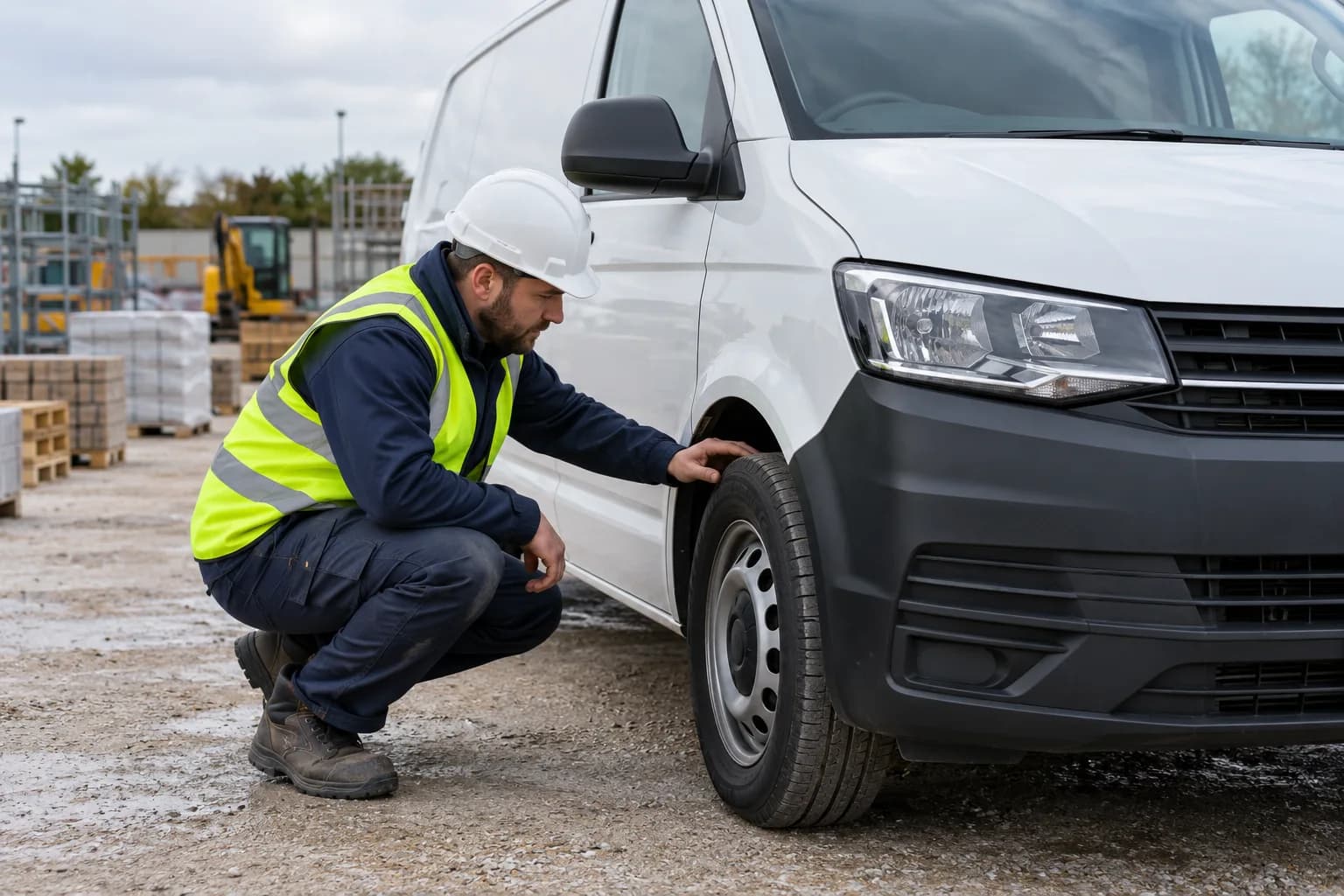
Van walkaround checks: from finding to follow-up
Organise a van walkaround record, capture findings and defects, and connect the check to follow-up using DVSA guidance as the reference.
Read the guideRun structured inspections from any device with pass/fail states, evidence capture, and clear escalation when defects are found.
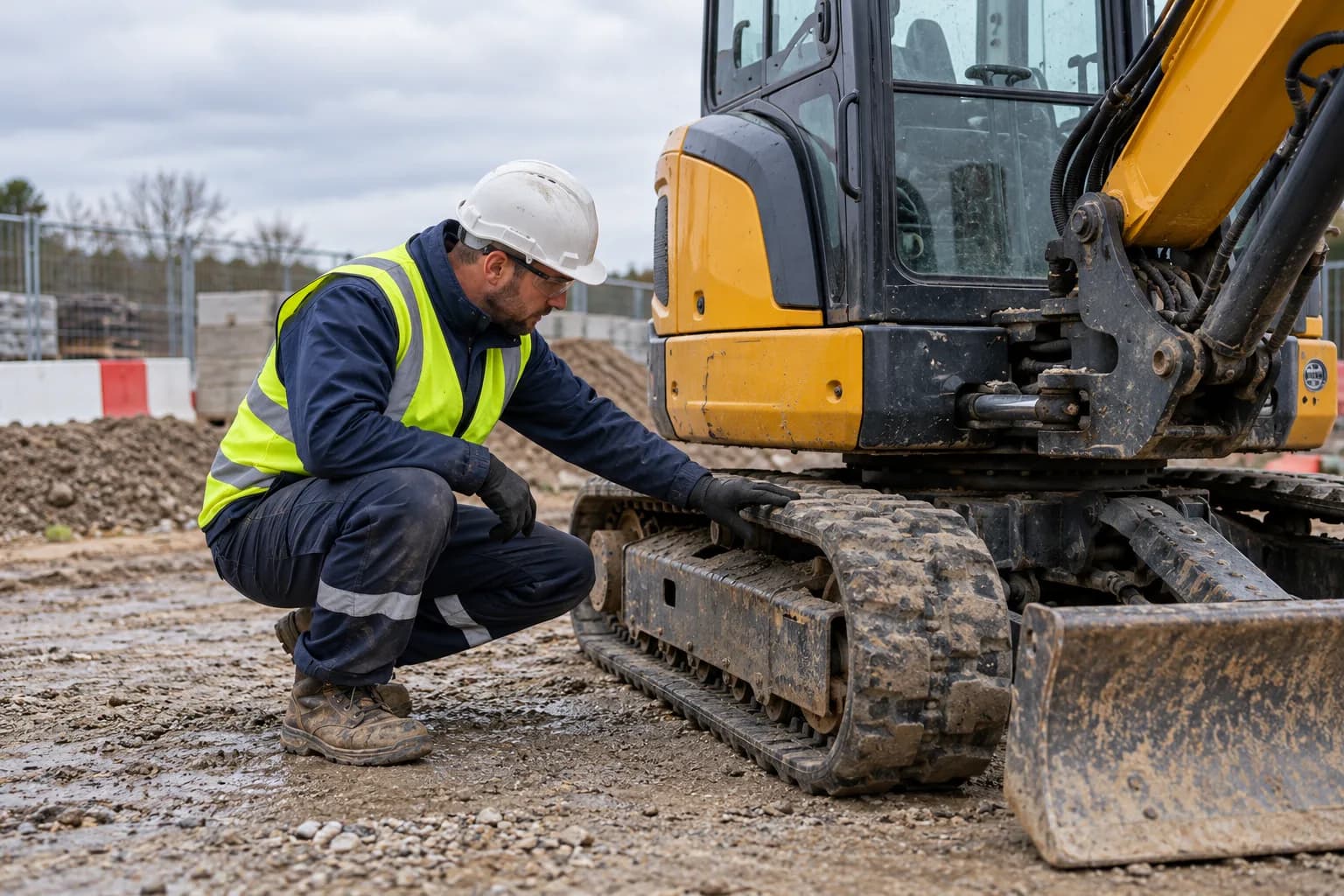
How Inspections connects the task, the people and the record.
Start with a repeatable checklist for the asset or site activity and identify who is carrying it out.
Capture outcomes, notes and photos in the field. Log defects against the inspection rather than in a separate message thread.
Assign follow-up actions and keep inspection history available by site, asset and supervisor.
Workflow illustration for Inspections. No customer records are shown.
Configurable checklists for plant, vehicles, equipment, and site assets
Photo evidence, notes, and defect reporting in one flow
Pass/fail outcomes with automatic follow-up actions
Offline completion with sync when connectivity returns
Inspection history searchable by asset, site, and supervisor
Clear answers to help you choose the right setup for your team.
Yes. Field teams can attach photos and notes to inspection findings and defects, keeping the evidence with the check.
Failed checks can create follow-up actions. Supervisors can review the defect, its evidence and the inspection history in one place.
Mobile workflows support offline completion and synchronisation when a connection returns.
Organise a van walkaround record, capture findings and defects, and connect the check to follow-up using DVSA guidance as the reference.
Read the guideBring the people, the paperwork and the site record together in one toolbox.